Tuesday, November 9, 2010
Creating My PLN
In order to effectively build a useful Personal Learning Network, I plan on joining additional social networks and utilizing the ones I currently use (Facebook, Twitter, and Cinch) more effectively. Within these social networks I plan on expanding my contact lists and attempting to make useful connections in the field I plan to get into. Furthermore, I will hopefully be able to look to these new connections for assistance should I come across any issues in my career. Lastly I will try to maintain contact with my classmates because they will no doubt become very productive in their chosen fields and having them as contacts will prove very useful.
My iGoogle
Portals!
A portal is a web site that serves as a gateway to web content and services. Portals are often classified by their targeted audiences. Examples of such portals include general consumer portals, personal portals, vertical portals, industry portals, and corporate portals. General consumer portals offer broad areas of content such as search tools, news and weather, stocks and reference tools amongst others. Examples of popular consumer portals are Yahoo, Lycos and MSN.
Personal portals, also known as horizontal portals, are consumer portals whose content can be customized to suit your needs. Examples of such portals are My Yahoo, My Lycos, and My MSN.
Vertical portals, sometimes called Vortals, provide gateways for users with more specific interests such as video games or gardening. Examples of Vortals include National Cancer Institute and the Penn State Youth Portal. Vertical portal that target viewers interested in a specific industry are called industry portals. Examples include Web Host Industry Review, EARTHWEB, and Farms.com.
Finally, corporate portals or enterprise information portals (EIPs) can be used to access a company's business information, work with each other through email, or conduct business transactions.
Personal portals, also known as horizontal portals, are consumer portals whose content can be customized to suit your needs. Examples of such portals are My Yahoo, My Lycos, and My MSN.
Vertical portals, sometimes called Vortals, provide gateways for users with more specific interests such as video games or gardening. Examples of Vortals include National Cancer Institute and the Penn State Youth Portal. Vertical portal that target viewers interested in a specific industry are called industry portals. Examples include Web Host Industry Review, EARTHWEB, and Farms.com.
Finally, corporate portals or enterprise information portals (EIPs) can be used to access a company's business information, work with each other through email, or conduct business transactions.
Thursday, November 4, 2010
Wednesday, November 3, 2010
Social Networking
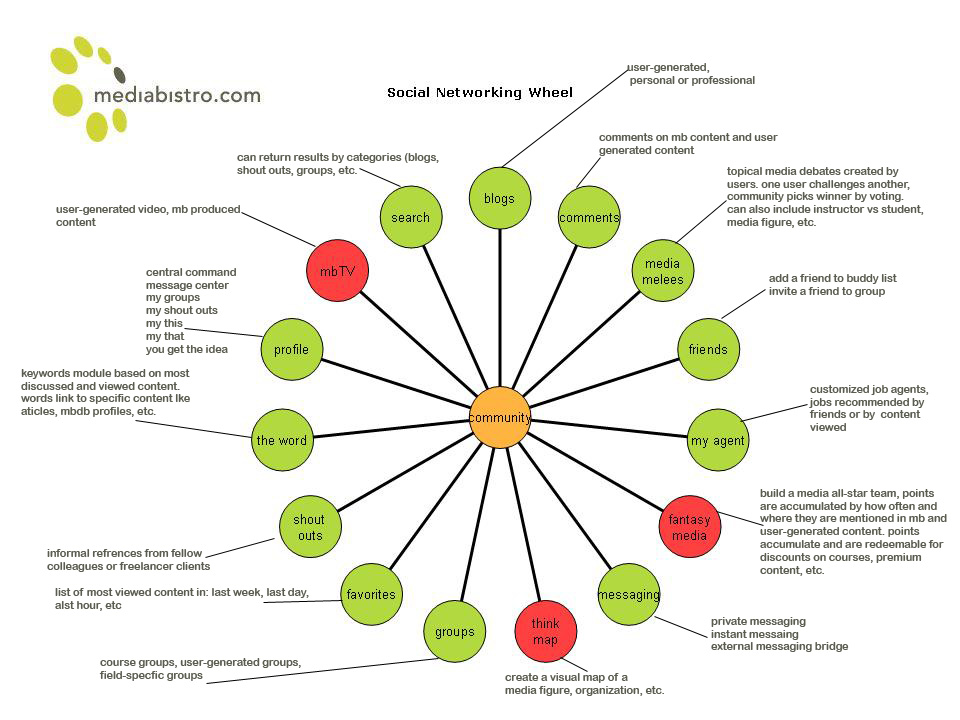
One of the most useful ways people use the internet to keep in touch is social networking. Traditional social networking requires physical space for a group to meet, such as a library, restaurant, coffee shop, etc. The beauty of social networking is that anyone can get in touch with anyone, anywhere, at anytime as long as both parties are willing to be in contact. Today millions of individuals stay in contact with family and friends through sites such as Facebook, Myspace, and Twitter. Social networks generally offer a combination of communication tools and chat applications so users can actively socialize. When a user first joins the site, they create a profile in which they list some information about themselves. Other users can, through using the information about themselves and other users, find people with similar interests with which they can hold conversations with. Users can also invite their friends and family to join the sites.
Filtering Junk Email
One of the most annoying things that can happen to email users is spam. Spam is defined as unsolicited emails regarding any number of things ranging from simple annoyances and advertisements to harmful malware. One of the easiest ways to combat spam is to set up filters that will look through incoming mail and dispose of messages that do not meet guidelines set by the user. To set your filter options, you can select the Tools command on the menu bar and click the Junk E-mail Options command. From here you can select various parameters which will control exactly what kind of messages will be seen by you. By default, blocked messages are sent to a Junk folder, but the location they are sent to can be changed by the user.
Tuesday, November 2, 2010
Second Life Phase 3: Recording!!!
At first I thought the recording process would be easy. However, after many failed attempts to record our video, I began to grow discouraged and began to realize that recording things are not nearly as easy to make as some people would lead you to believe. After about an hour and a half we finally successfully recorded a decent take.
Our second major problem in the recording process was the overdubbing of sounds, mainly our voices. The way one of our group members wanted it done was all in one take. This proved to be particularly troublesome in that many times, halfway through our recording, we would all break out into a fit of giggles. This compromised our entire take, leading to vast amounts of frustration and in some cases anger. However, in the end we finally managed to do our entire sound recording with no errors.
Subscribe to:
Posts (Atom)